how to use textures
1. Open an edited photo and the texture in Photoshop (or another program where you can layer photos and adjust the blending mode).
2. Drag the texture over to the photo using the move tool (usually located at the very top of the tools panel). Make sure the texture is layered over the photo. Adjust the texture to fit the photo if needed, using the transform tool (command+T on Mac) while holding in the Function/fn key to get the right proportions.
3. In the ‘Layers’ panel, locate the blending modes, a drop down menu at the very top. Make sure the texture layer is marked, then start scrolling through the different blending modes to see which one suits your photo. I like to use multiply, darken, overlay and soft light the most - but it totally depends on the photo. Next to the blending modes is the opacity, which you can adjust depending on how strong you want the effect to be.
4. You can make the texture blend into your photo better by adding an adjustment layer, if you feel like it needs to be brighter, darker or change the color a bit. Sometimes I duplicate the texture layer and set each layer to a different blending mode and opacity to get another effect!
Scroll down for some examples on how to blend the textures (click the images to enlarge).
This kit contains 8 unique textures, created from my personal collection of French 19th century receipts and old books. They’re great for layering on top of photos to create a vintage effect, or for other art/creative projects! Find some more info about textures here!
Features:
8 unique textures for use with Photoshop and Photoshop Mix (free app)
High resolution jpegs
A small guide on how to best use the textures
Note
After purchasing, you’ll receive a download link via email which expires 24 hours after you first click on it. Keep an eye in your spam folder in case it ends up there :-)
Due to the digital nature of this product, I cannot offer refunds
All rights reserved - you do not have permission to copy the file onto any public network, sell or redistribute these textures to any other person.
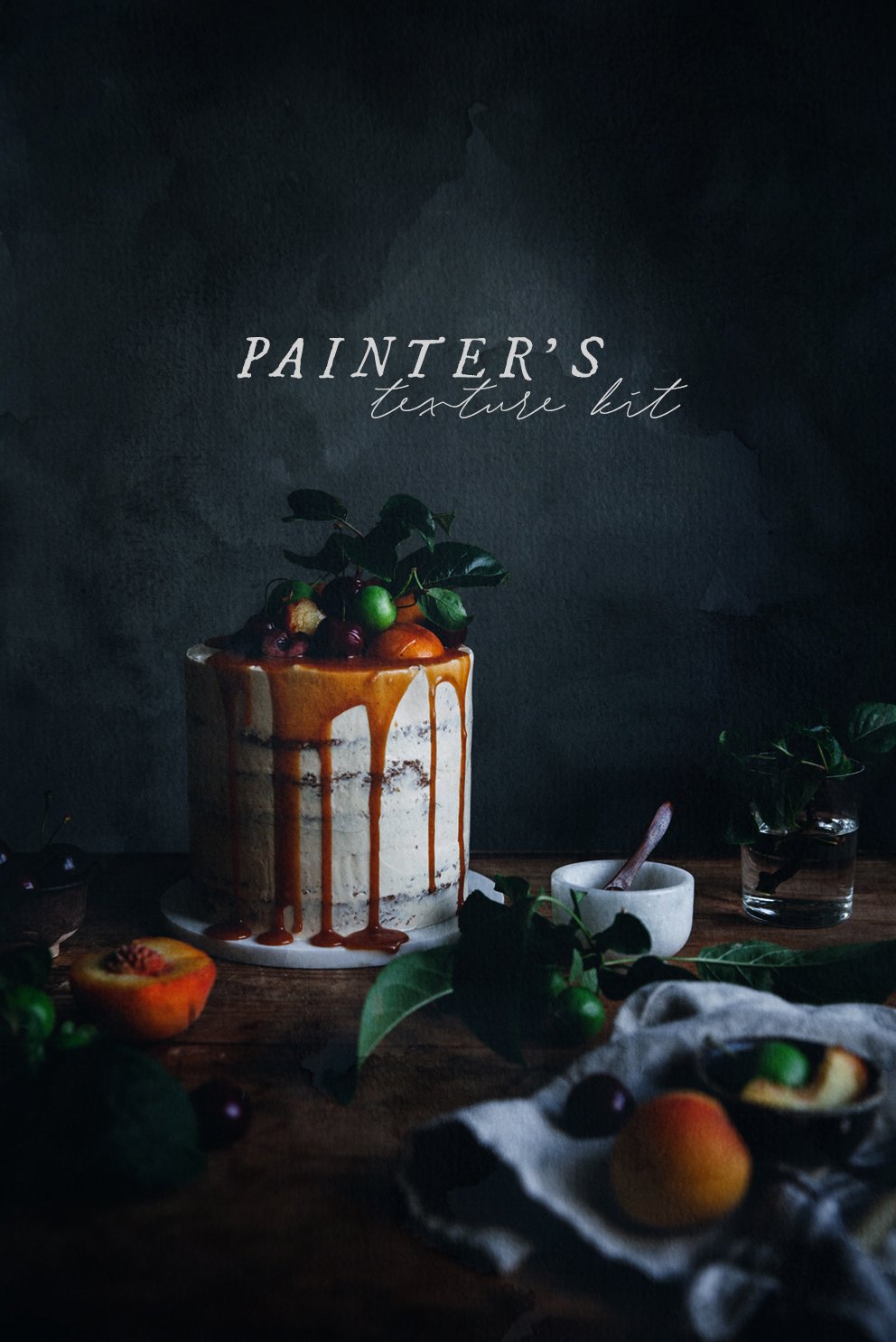
Make your photos look like paintings! This kit contains 17 unique textures (with some color variations, really there are 24 textures in this kit!). They’re great for layering on top of photos to create a painting-like effect, or for other art/creative projects! Scroll down to the bottom of this page for some ideas on how to mix and layer the textures. Find some more info about textures here!
Features:
17 unique textures for use with Photoshop and Photoshop Mix (free app)
High resolution jpegs
A small guide on how to best use the textures
Note
Make sure to have space on your computer as the file is around 300mb. After purchasing, you’ll receive a download link via email which expires 24 hours after you first click on it. Keep an eye in your spam folder in case it ends up there.
Due to the digital nature of this product, I cannot offer refunds.
All rights reserved - you do not have permission to copy the file onto any public network, sell or redistribute these textures to any other person.
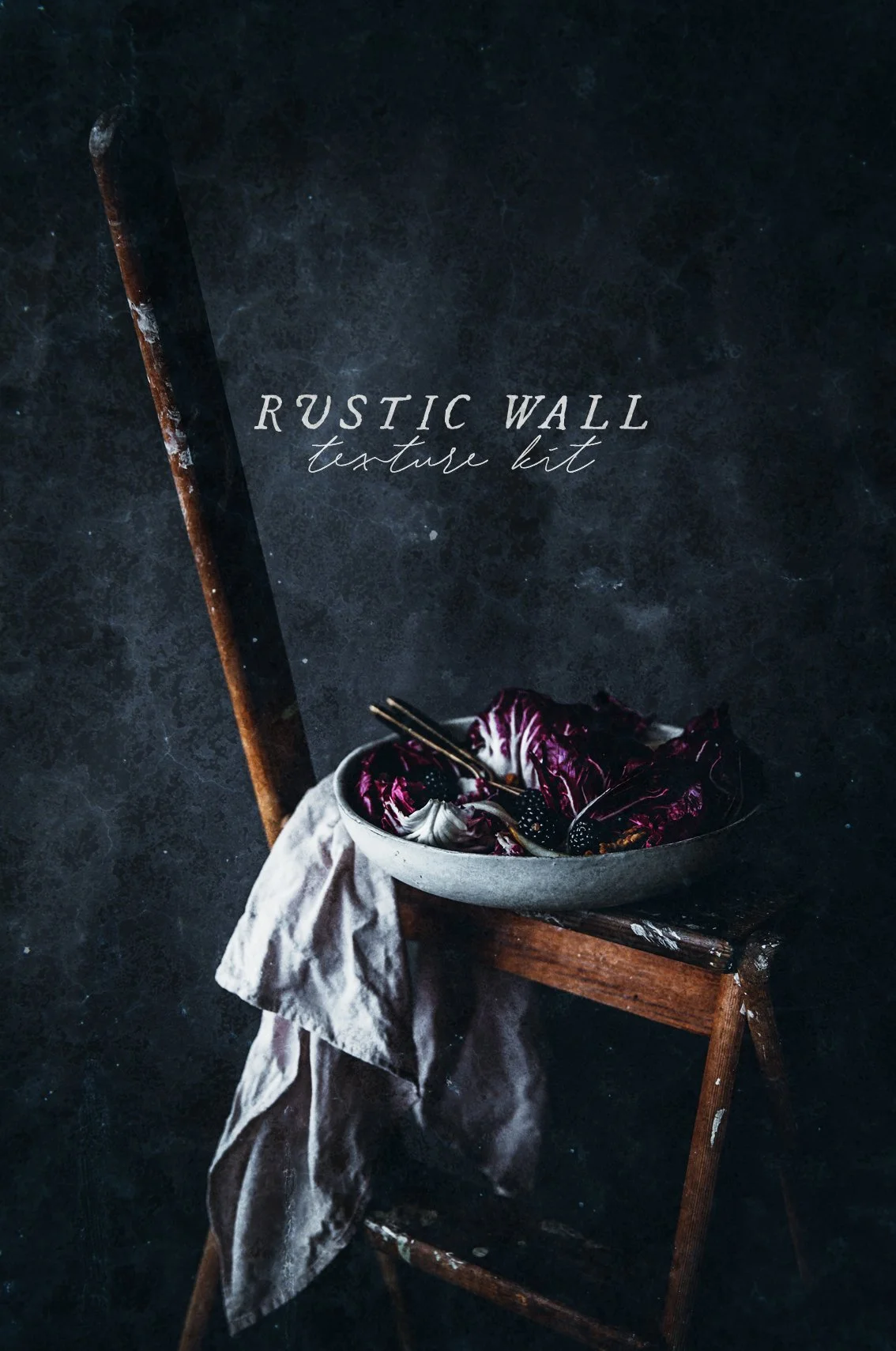
This kit contains 11 unique textures (with some color variations, really there are 15 textures in this kit!). They’re great for layering on top of photos, or for other art/creative projects! Scroll down to the bottom of this page for some ideas on how to mix and layer the textures. Find some more info about textures here!
Features:
11 unique textures for use with Photoshop and Photoshop Mix (free app)
High resolution jpegs
A small guide on how to best use the textures
Note
Make sure to have space on your computer as the file is around 250mb. After purchasing, you’ll receive a download link via email which expires 24 hours after you first click on it. Keep an eye in your spam folder in case it ends up there.
Due to the digital nature of this product, I cannot offer refunds.
All rights reserved - you do not have permission to copy the file onto any public network, sell or redistribute these textures to any other person.
This kit contains 2 completely new presets, 1 psd file for layering and 12 unique textures, created from my personal collection of French 19th century receipts and old books. They’re great for layering on top of photos to create a vintage effect, or for other art/creative projects! Find some more info about textures here!
Features:
12 unique textures for use with Photoshop, high resolution jpegs
1 psd file (for use with Photoshop), where you can easily insert your photos into the 'book texture' (scroll down for a video!)
2 presets, one color and one black & white, for use with Lightroom and Camera Raw (.xmp and .dng files)
A small guide on how to best use the textures
Note
How to install the presets
After purchasing, you’ll receive a download link via email which expires 24 hours after you first click on it. Keep an eye in your spam folder in case it ends up there.
Due to the digital nature of this product, I cannot offer refunds
All rights reserved - you do not have permission to copy the file onto any public network, sell or redistribute these textures to any other person.