
Frequently AskeD Questions about LUTs
What are LUTs?
Presets are like custom filters, a configuration of settings designed to achieve a certain look to your photos using Adobe Lightroom or Camera Raw. With just one click your photo will be altered to achieve a certain look - but this doesn’t mean that presets are always a one-click solution. They’re a starting point which you can make adjustments to, but they are a way for me to share a little bit how I work with editing!
What software will support these LUTs?
Food Photography Preset Collection - The Essentials will work on all versions of Adobes software after 2018.
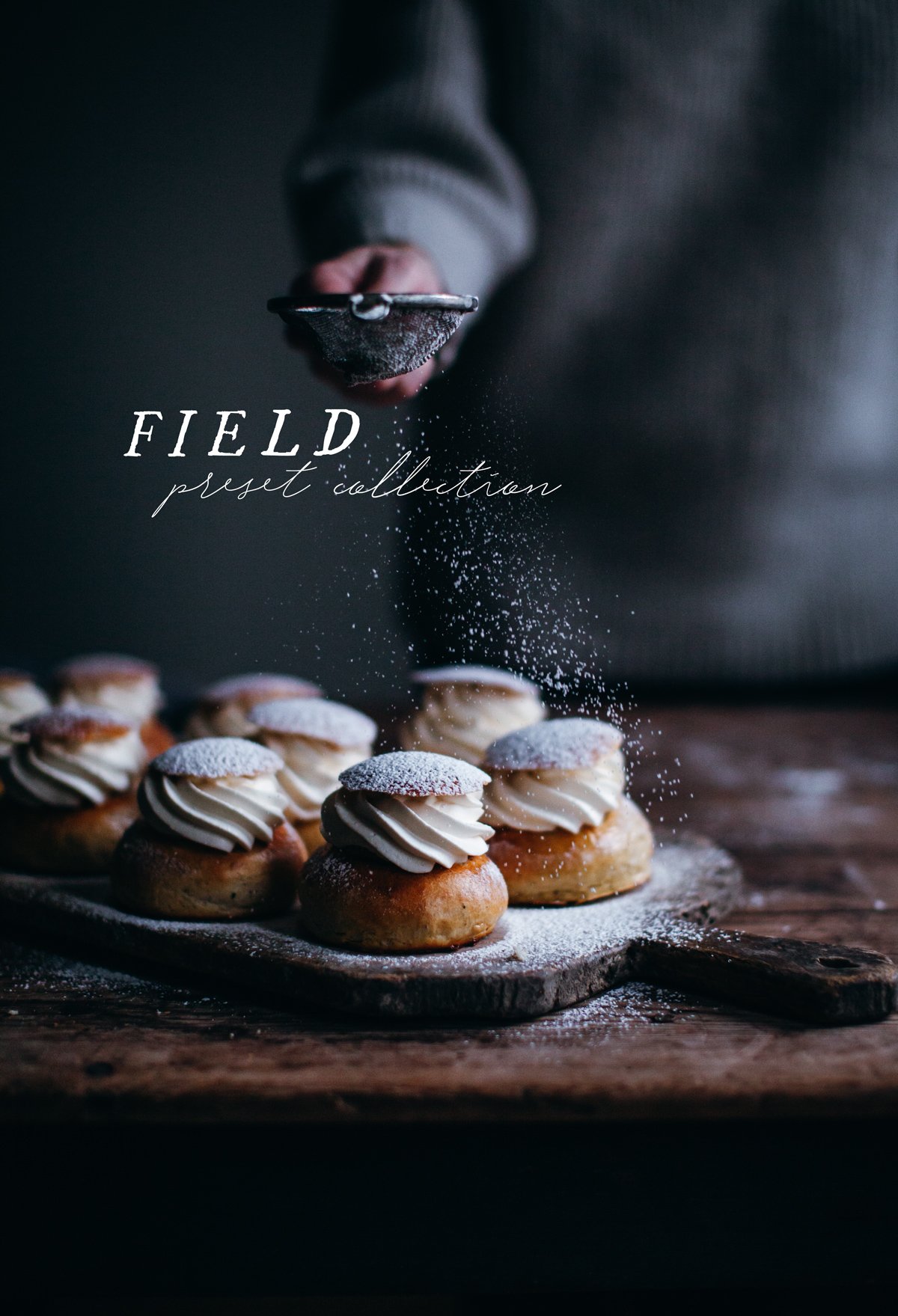
The Field presets will work on April 2018 updates of Adobes software:
Lightroom Classic 7.3 and later
Lightroom CC 1.3 and later
Adobe Camera Raw (ACR) 10.3 and later (used with Photoshop).
They will work in older versions of Camera Raw but the profile will not be right, so it isn’t optimal. They will not work in older versions of Lightroom since they use another file format.
The Dark Food + Nature Presets will work on versions mentioned above, as well as old versions of Ligthroom since the .lrtemplate is included and older versions of ACR since they are created with Adobe Standard profile.
How do I install the presets?
Once you purchase the presets, you’ll receive a guide on how to easily install them.

Will these presets work on mobile devices?
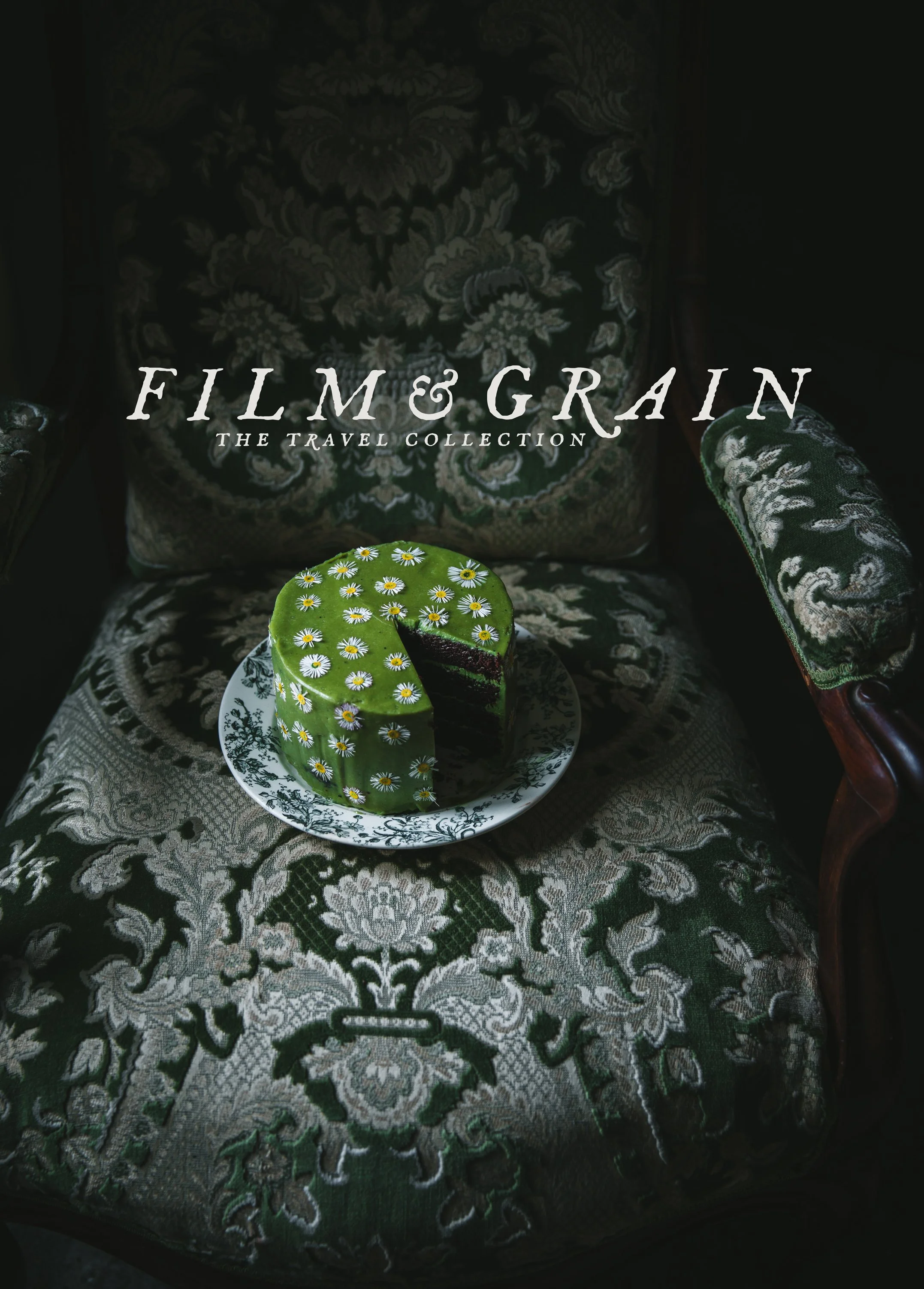
Yes, they will, in Mobile Lightroom. For my older sets you will need a Creative Cloud account for this to work - my new sets all contain dog files for free Lightroom as well. Import the presets into Lightroom CC and then sync them with your mobile device. Note that if you’re editing mobile photos (which are most likely jpegs), will give you a lower quality result than on raw-files. If the presets are not showing up on your mobile device, keep reading! If you don’t have an Adobe Creative Cloud account, I have four Preset packs that work with the free Lightroom app as well: Food Photography Preset Collection, Film & Grain - The Travel Collection, Mobile Dark Food & Nature Preset Collection and Mobile Field Preset Collection.
What file types are supported?
All image file types are supported, but the presets were designed for use with raw files. Using them on jpegs or compressed formats will give you lower quality results. I’ve used the new Adobe Color Profile for some of the presets and it will not work on Jpegs or in older versions of the software mentioned above.
The presets are not showing up when I’m editing a Jpeg!
If you’re editing a Jpeg-file and not all presets are showing up in your menu, there is a way to fix this. In Camera Raw - go to where your presets are located in the programme, then click the three dots at the top (More Preset Options) and click ‘Show partially compatible presets’. In Lightroom make sure Preferences > Presets Tab > Show Partially Compatible Develop Presets is checked. As mentioned before, using them with jpegs works but it is not ideal.
Will these presets work with every image in one single click?
It totally depends on what look you’re after, and what the original image looks like! They’re designed as a starting point and I encourage you to make adjustments as needed. Sometimes the image will look great with one click and sometimes it requires a bit more work. Most of the photos you see where I’ve used the presets are edited with just one click, sometimes the exposure and white balance are changed too, but that’s it! Remember that the presets will look different on different images (depending on camera, settings and so on). I’ve tried them on Canon eos 5D mark II, mark IV and Fujifilm XE1 raw files and they look really good on all.
Which preset pack works best for food photography?
It depends on what results you want, but I would recommend my Food Photography Preset Collection or Dark Food Presets.
Do you use these presets?
Yes I do! These presets have been used on a lot of my photos, and my most recent Preset pack has especially been used on the photos in My’s book.
Can you send me a separate invoice for my purchase?
I’m sorry, I can’t. What I can offer is the receipt sent out by Squarespace.
Works with Lightroom Desktop & Mobile, and Camera Raw
A versatile collection of 12 of my favorite presets for food and still life photography - suitable for both beginners and professionals. If you already have any of my other sets - this is a completely new set!
Take a look at the example photos to see them in action, or watch this video of me using the presets in camera raw.
What you’ll get:
12 color presets
XMP-files for Lightroom Classic (desktop LR) and Camera Raw (ACR).
DNG-files for Lightroom Mobile.
Access to videos where I’m editing with presets in Lightroom & Camera Raw.
A PDF on my editing workflow and tips, and an installation guide.
Make sure to also read my Preset FAQ for any questions you have!
This pack includes the following presets:
Almond - Bright and faded
Apple - Muted and rich
Apricot - Moody and sharp
Berry - Punchy and saturated
Caramel - Soft and neutral
Cinnamon - Warm and moody
Citrus - Bright and vivid
Chocolate - Rich and intense
Gingerbread - Soft and bright
Lilac - Textured and cool toned
Matcha - Clear and sharp
Rhubarb - Dark and contrasty
Note
After purchasing, you’ll receive a download link via email which expires 24 hours after you first click on it. Keep an eye in your spam folder in case it ends up there :-)
Due to the digital nature of this product, I cannot offer refunds
All rights reserved - you do not have permission to copy the file onto any public network, sell or redistribute these presets & profiles to any other person.